
Audio Formats
Students who are approved for audio formats (audiobooks, text to speech enabled readings) as an accommodation receive direct support with sourcing and accessing accessible materials. If you are not approved for audio formats as an accommodation but are still interested in utilizing them, here are some free resources.
The Office of Accessibility Resources does not have a formal relationship with any of the softwares or tools listed below. Please always exercise caution before giving out personal information, downloading new softwares, or making payments.
These are resources for listening to documents and webpages that are already OCR (optical character recognition) enabled.
|
Natural Readers is a text to speech software that will read OCR PDFs, pasted text, or webpages. It can be used as through the Natural Readers website, app, or Chrome extension. A free account will give the use 20 minutes of free reading per a day. Subscriptions can be purchased for additional access. The paid version of Natural Readers also allow users to convert files to OCR. |
|
|
Microsoft Edge has built a built in accessibility feature called Read Aloud that do text to speech on website or OCR pdfs opened in Edge. You can start Read Aloud at any time by hitting ctrl-shift-U. If you open an OCR PDF in Edge you can have it read aloud using the "A" button showed below.
|
|
| Chrome Extensions |
For Google Chrome users, a number of browser extensions exist that provide text to speech. These include Speechify, Pericles, and Read Aloud. Note that these extension do not work on PDFs, but can be used for webpages or web published articles.
|
| Adobe Reader and Microsoft Word |
Both Adobe Reader and Microsoft Word have some built in text to speech features. In Microsoft Word you can open the Immersive Reader from the View tab. Then select "read aloud." Methods for Adobe Reader vary depending on the version you have. In most versions you can click view > Read out Loud > Activate Read out Loud. Then click on the section of the PDF you'd like it to read. |
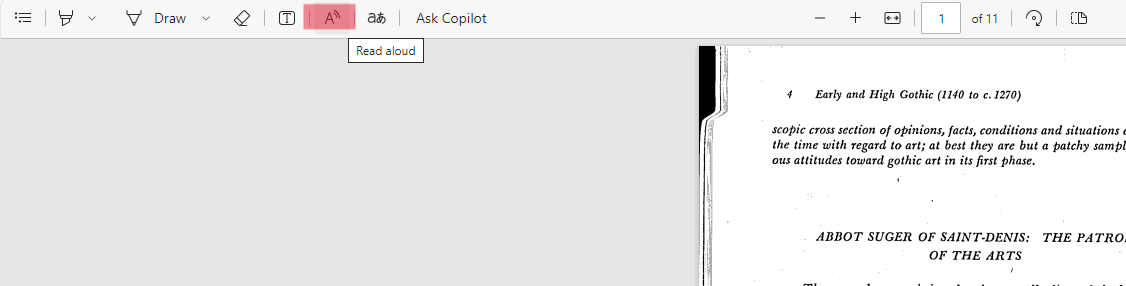
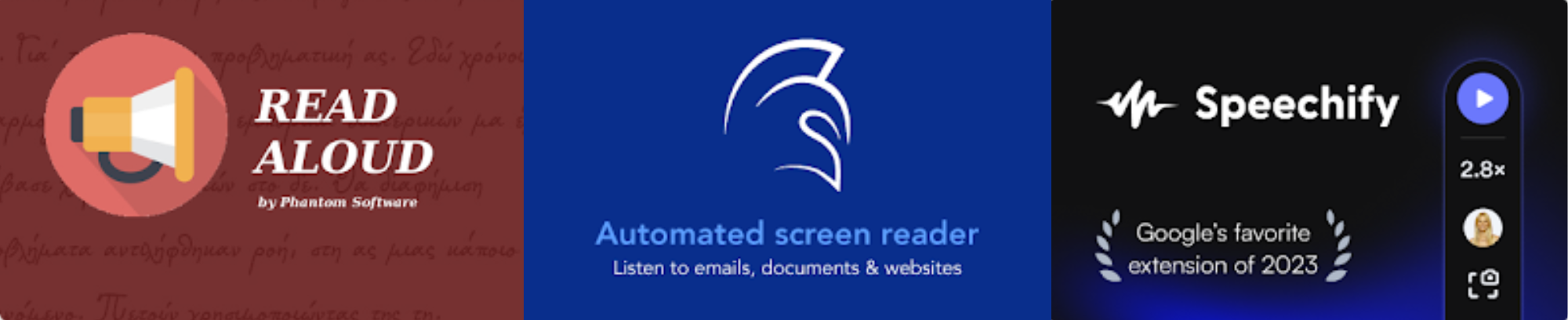
Table shows assistive technology options for text to speech.
Audiobooks can be found in a variety of places. Additionally, certain formats of ebooks can be read with a screen reader or other text to speech program. If the sources below don't work for finding the book you need you can also contact our library or bookstore staff for further assistance.
| Kindle |
Many kindle books can be listened to with kindle's built in accessibility features. Before purchasing a check to make sure it is text to speech enabled in the product details. |
| ZLibrary | Z library is a free source for ebooks and articles. Paid versions are available for greater access. |
| Libby | Libby is a completely free source for ebooks and audiobooks. You can sign up through the Pikes Peak Library District. Your home library may also have access. You can sign up with Libby through multiple libraries to access their combined inventories. |
| Publisher Digital Versions | Many book publishers also have digital versions of their books available directly from their website. These may be versions that are not sold through other retailers such as the bookstore or Amazon. |
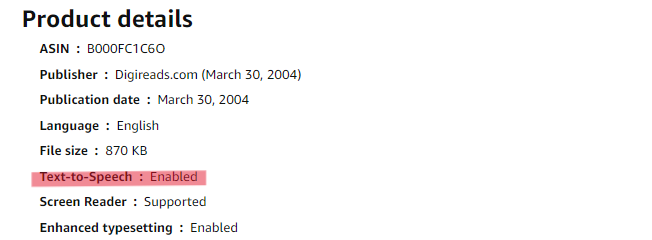
Table shows sources for finding ebooks and audiobooks.
Most screen readers and text to speech softwares can only read OCR (optical character recognition) enabled documents. Here are a few free OCR conversion options. Please note that if you have a poor quality scan these options may not be able to accurately convert the files.
| Microsoft Word | Microsoft Word (.doc) files can automatically be converted to OCR PDFs. Simply "save as" a PDF file. |
| Google Drive | Upload a PDF to Google Drive, open it and click "Open with Google Docs." You can then download the now converted Google Doc to a PDF or other file of your choice. |
| Other Websites | There are a number of free or partially free OCR converter websites. The Office of Accessibility Resources does not endorse a specific one, but these can be found through a simple search of "free OCR converter." |
Table shows options for free OCR conversions.
show all / hide all