Resources and Guidelines for Faculty
Below are general guidelines to assist faculty in supporting students with disabilities. We welcome your feedback and suggestions for expanding the information found on this page, as our goal is to make this relevant and helpful to faculty.
Specifics about accommodations can be found on our Accommodations page.
General Guidelines
Faculty play a key role in ensuring that students are aware of the college's commitment to equal access to our programs, activities, and services. You can support the college's efforts to create an inclusive educational community by inviting students with disabilities to request accommodations for your courses. We encourage you to include one of the following statements on your syllabi-or a statement of your own:
- Colorado College is committed to creating a learning environment that meets the needs of its diverse student body. If you anticipate or experience any disability-related barriers to learning in this course, please discuss your concerns and/or approved accommodation with me. I would like us to discuss ways to ensure your full participation in the course. Additionally, if you have not already done so, please connect with Accessibility Resources, the office responsible for coordinating accommodations and services for students with disabilities: accessibilityresources@coloradocollege.edu, 719-227-8285, Armstrong 219.
- If you experience a disability and anticipate barriers related to the format or requirements of this course, please meet with me. I would like us to discuss ways to ensure your full participation in the course, as well as talk about how best to coordinate your accommodations. Additionally, if you have not already done so, please connect with Accessibility Resources, the office responsible for coordinating accommodations and services for students with disabilities: accessibilityresources@coloradocollege.edu, 719-227-8285, Armstrong 219.
- If you experience a disability and are requesting accommodations for this course, please speak with me privately as soon as possible so we can discuss how best to put accommodations in place. If you have not already done so, please connect with Accessibility Resources, the office responsible for coordinating accommodations and services for students with disabilities: accessibilityresources@coloradocollege.edu, 719-227-8285, Armstrong 219.
When to provide accommodations: Faculty should provide accommodations to students who provide timely notification of the need for accommodation for a course via the AR Online Services faculty notification process. Typically, you will receive a "faculty notification letter" via an email generated by AR Online Services, but students can also provide you with a PDF or hard copy of this letter.
Although faculty are not obligated to provide accommodations until receiving a faculty notification letter, please consider providing the accommodation while waiting for official notification from Accessibility Resources if the disability is apparent and the accommodation appears to be reasonable. Best practice, though, is to refer to the accommodation as an "arrangement" rather than an "accommodation" as Accessibility Resources is the designated office for approving accommodations.
If a student offers to provide you with a copy of disability-related documentation, such as medical records or a psychoeducational evaluation, please refer the student to Accessibility Resources, the office designated by the College to manage such records.
Providing accommodations: Please provide classroom accommodations as indicated in the faculty notification letter. Accessibility Resources staff are available to support faculty and students with the implementation of accommodations. However, due to limited staff and space, as well as logistical issues inherent to the Block Plan, our office relies on faculty to provide classroom accommodations such as extended time for exams and the provision of a distraction-reduced exam setting. Your support in providing these accommodations is very much appreciated.
Meeting with students regarding their accommodations: It is important for faculty to meet with students who choose to identify themselves as having a disability in order to discuss the accommodations they might need for a course, including how best to implement the accommodations. During this meeting, students may or may not choose to disclose the nature of their disability. Due to the very personal and private nature of some disabilities, it is important that meetings take place in a location that protects the student's right to privacy.
If a student is having difficulty in class and you think it might be due to an unidentified disability, you may want to talk privately with the student about your concerns regarding the student's performance. If so, please keep the following tips in mind:
- Emphasize positive aspects of the student's performance while noting specific areas in which the student may be struggling (e.g., unable to complete exams within time limits, significant spelling errors, poor reading comprehension).
- Please don't suggest that the student may have a disability. Instead, ask if the student has had difficulty with academic concern(s) in the past.
- If the student describes a history of difficulty and/or expresses current concern, you can suggest that the student make an appointment to talk with an Accessibility Resources staff member so we can help to assess the next steps that may be helpful.
Please keep in mind that every effort will be made to implement reasonable and appropriate accommodations for students when necessary. However, requests that lower the academic standards of the college or fundamentally alter the college's courses, programs, or degree requirements will be denied. If you have concerns about a particular accommodation, please contact Accessibility Resources.
Colorado College respects the privacy of its students. The Family Educational Rights and Privacy Act (FERPA) governs all student record information. All information concerning student disabilities and accommodation is kept separately from student academic files. This information is confidential and will not be released to third parties without the written permission of the student, except in circumstances involving matters of health, safety, and law.
Generally, a faculty member has a right to know that a student requesting accommodations in a course has a documented disability and which accommodations have been approved by the Accessibility Resources staff. However, specific information regarding a student's disability is provided to faculty and staff on a need-to-know basis only. (Note: Please keep all information related to students' disabilities in a secure location).
Colorado College is committed to ensuring an equitable academic experience for students with disabilities. Please refer to the Rights and Responsibilities page for information on how Accessibility Resources, students, and faculty all contribute to meeting this goal. Please contact Accessibility Resources if you need additional information or assistance. We are here to support both students and faculty.
Faculty can be helpful by providing a clear description of essential course requirements and providing information on what students can expect in terms of travel, lodging, physical activity, etc. We recommend that faculty encourage students to contact them to discuss access and accommodation needs and, in collaboration with Accessibility Resources, to work together to develop an accommodation plan. Accessibility Resources is not always aware of when students with disabilities are enrolled in courses that are taught off-campus or that have field study components. Therefore, we ask students to inform faculty of accommodation and other support needs as early as possible.
Question: How do I provide extra time for exams and quizzes in Canvas?
Answer: Check out this guide to providing extra time in Canvas!
Question: Should I provide a student with extra flexibility or extensions?
Answer: If you'd provide an extension for reasons not related to disability (e.g., the flu, travel for athletics, death in the family), you should give the same consideration for students with disabilities. Accessibility Resources does not provide "blanket accommodations" for extensions, attendance, or flexibility but instead consults on a case-by-case basis. Accessibility Resources may be able to verify that a students has a psychological disorder or chronic health condition that may impact attendance or academic performance.
If you have questions please reach out to us!
Question: Does a student I'm advising qualify for a course substitution?
Answer: Colorado College recognizes that as a result of disability, some students may be unable to satisfy specific coursework requirements for degree completion. Therefore, qualified students with disabilities may request that the college consider course substitutions,which will be reviewed and considered on a case by case basis. At CC, the most commonly requested substitution is for the all-college foreign language requirement, in which case cultural courses approved by the Dean of the College are used for the substitution. Accessibility Resources will notify advisors when a student has been approved for a course substitution. We typically do this prior to preregistration.
Accessibility Resources does not approve course substitutions for major requirements.
Question: Are emotional support animals and service animals allowed in the classroom?
Answer: Due to a fairly recent legal interpretation of the Fair Housing Act (FHA), issues related to animals on college campuses have become more prevalent. What does this mean for CC? It means that students may be allowed to have an emotional support animal living with them in residence halls when there is a nexus between a student's disability and the need for this accommodation. Therefore, we now have a variety of animals in our residence halls, including dogs, cats, bunnies, rats, birds, and more.
What does this mean for faculty? It means that emotional support animals are restricted from classrooms as they are covered by the FHA, which covers housing only. Therefore, please do not allow students to bring emotional support animals to class. Students sign an agreement that stipulates that emotional support animals may be in a student's residence or outdoors only. Violations of this and other stipulations may result in the removal of the animal from campus.
However, students are allowed to bring service animals to class, including those in training. Service animals are covered by the Americans with Disabilities Act and service animals in training are covered by Colorado state law. Service animals are trained to do work or perform tasks for people with disabilities (e.g., guide people who are blind, alert people who are deaf, or alert people in advance of low or high blood sugar events). Service animals are, by definition, dogs. Please refer to the guidelines for service animals for additional information.
Please contact Accessibility Resources if you have any additional questions about animals.
Question: Do I need to use captions in my class?
Answer: Students who have disabilities that impact their hearing may be approved for captioning/transcribing as an accommodation. However, captions help all students and we encourage faculty to ensure that all audio materials are captioned for every class.
Faculty should make every effort to use audio materials (e.g, films, movies, podcasts) that are already captioned. If materials need to be captioned, faculty should contact Accessibility Resources as soon as possible to assist with captioning services. Students who need captions should have access to course materials at the same time as others in the class. For these reasons, students or Accessibility Resources may ask professors for a list of audio materials before a block begins. Your help in providing this information will assist us in ensuring that students receive captioned audio materials in a timely manner.
Additionally, Accessibility Resources may provide students approved for captioning/transcribing software to assist in creating captions and/or transcriptions. The student may use this software to caption audio materials and/or class sessions.
Students using this software sign an agreement with the following stipulations:
- Transcriptions and/or captions of class sessions are only for the student’s personal use in study and preparation related to the class and may not be distributed in any form, including no distribution or display in any manner on the internet.
- The student may not share these transcriptions and/or captions with any other person.
- The student will submit a faculty notification letter regarding this accommodation when using transcriptions and/or captions as an approved accommodation.
- The student agrees to delete and/or destroy any transcriptions and/or captions that were made when they are no longer needed for the student’s academic work.
- A student’s failure to abide by all provisions of this agreement may be considered a violation of the Colorado College Student Honor and Community Standards and could result in disciplinary action.
- The student agrees that Colorado College owns all copyright, license, and intellectual property rights inherent in the transcriptions and/or captions.
show all / hide all
Creating Accessible Formats of Text
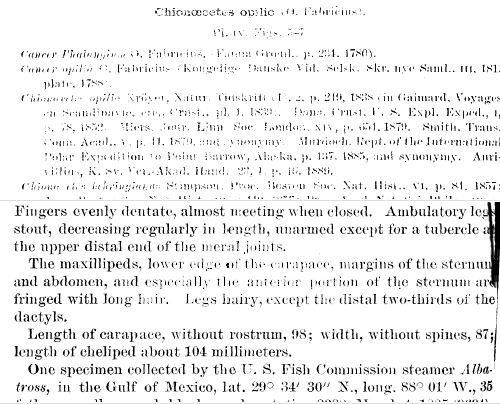
A variety of accessible formats of text options are available to students with disabilities, including audio, large print, and braille. Most students at CC who are approved for this accommodation use text-to-speech software to create an audio version of the text materials. To do this, students need access to documents that are text-based (OCR or Optical Character Recognition enabled) rather than image-based. Individual words and letters can be highlighted on a text-based document. Image-based text appears as a square block when the text is highlighted. Faculty can help to support an inclusive academic experience by providing students with text-based documents that offer immediate access to course materials for all students. Accessible PDFs can be created easily by scanning documents on one of the college’s HP brand copier/scanners. Instructions are provided below.
Questions about accessible formats? Email accessibleformats@coloradocollege.edu.
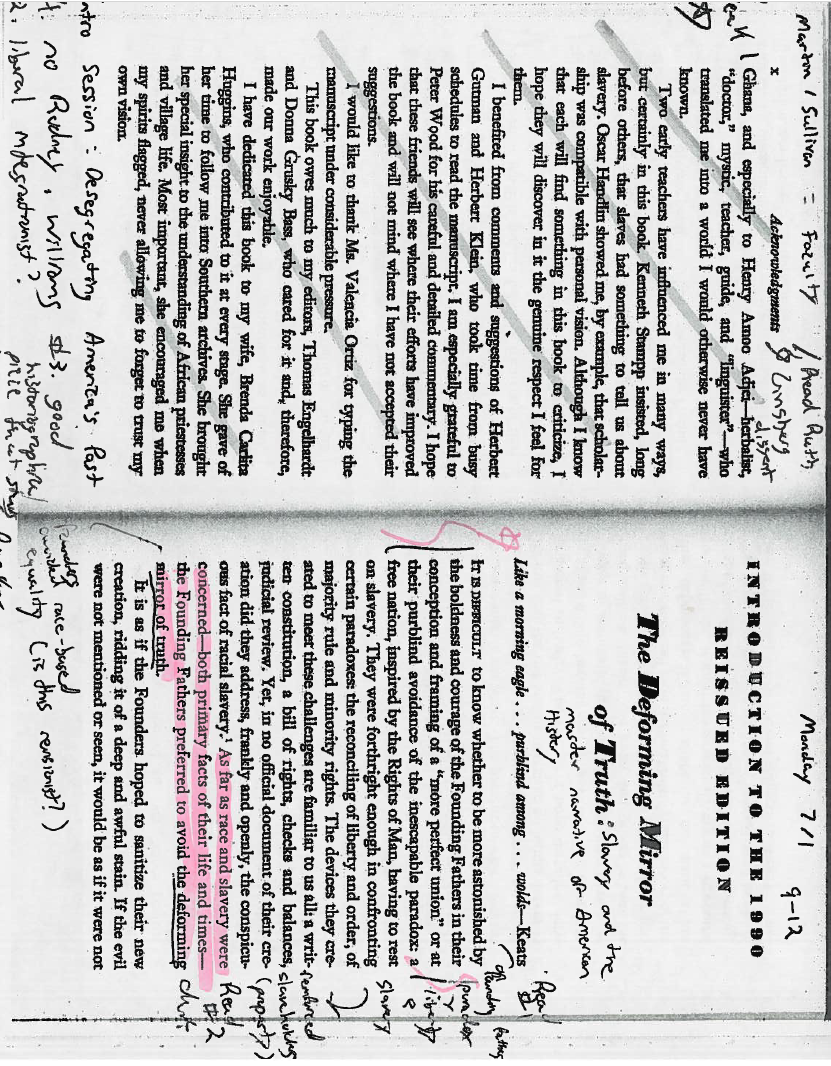
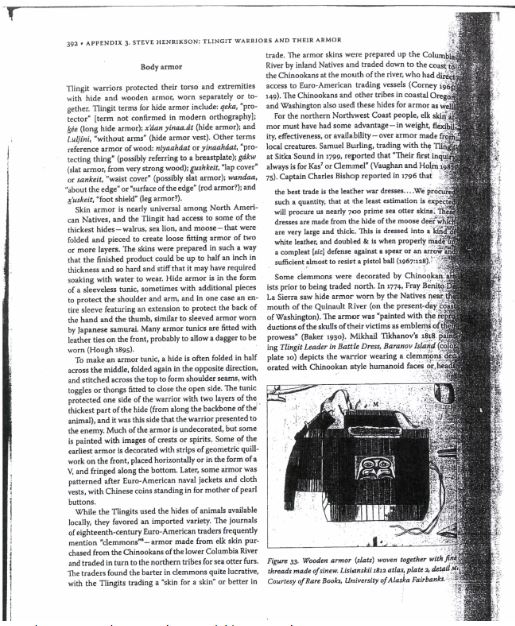
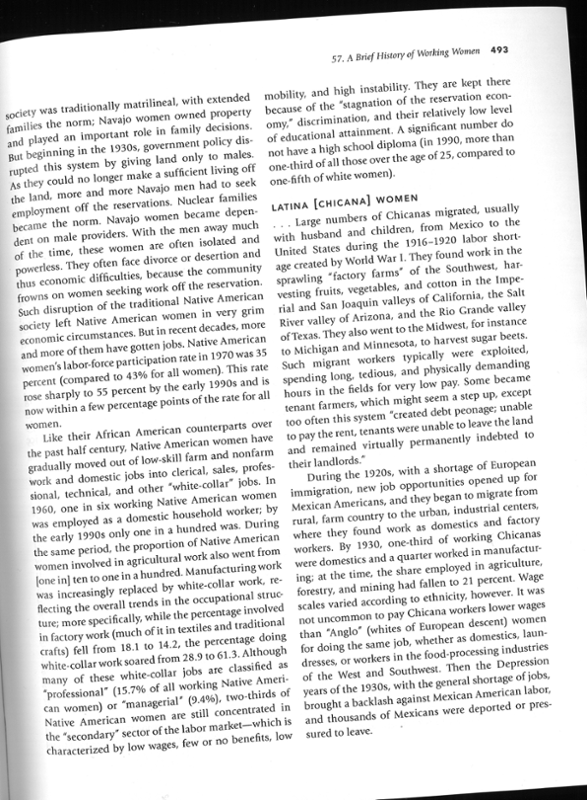
What is a high-quality text-based PDF?
- The text is not cut off.
- The pages are straight, not crooked or curved.
- No shadows are covering the print.
- Handwriting, highlighting, annotations, circles, or underlining is limited and do not cover any text.
- There is good color contrast throughout the page.
- The scan is clear with no blurry text.
- The text is highlightable indicating that it is text based.
For further instructions and tips on how to fix a low quality or imaged based PDF, follow our step-by-step flow chart for creating text-based PDFs
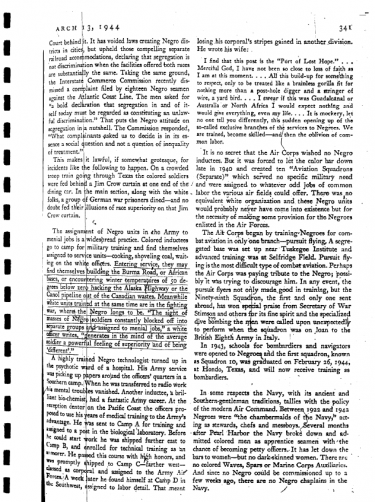
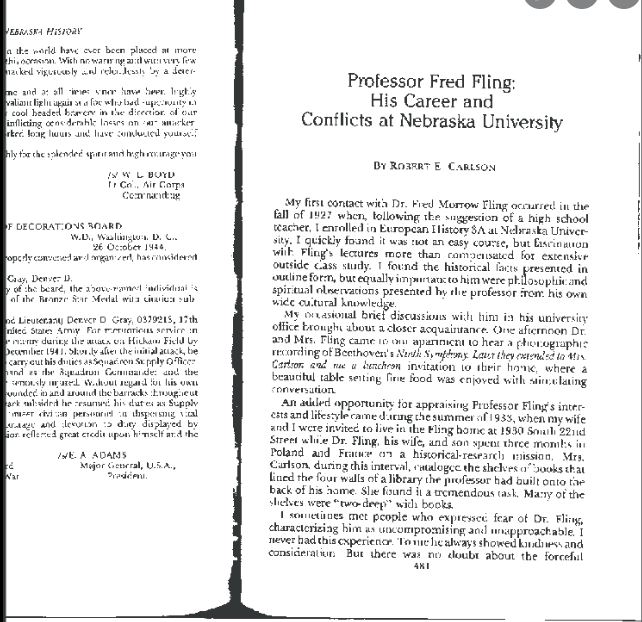
Example of a high-quality PDF (Click to view full OCR document): 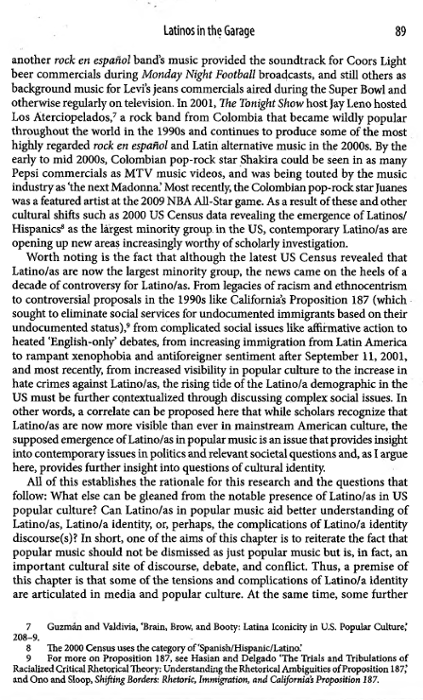
Additional information about text-based documents and text-to-speech can be found on the assistive technology page.
Tips & Tricks
- When scanning a book with a spine, push the spine of the book down while scanning to ensure the text will copy clearly.
- Consider using an overhead scanner for higher quality files. An overhead scanner is available in Tutt Library.
- Scan one page at a time, and do not combine pages. This improves reading on mobile platforms and speeds up the conversion process for optical character recognition (OCR) software.
- Avoid scanned documents that need to be rotated when viewed on a screen.
- Document names should correspond to how documents are named on the syllabus and in Canvas.
- Avoid rescanning old documents, as the quality will deteriorate with each scan. Use the original source when possible.
Instructions for Scanning
HP brand machines on campus have the option to scan to OCR. To do so, follow either of these two methods:
- “Quick Scan” with Papercut Hive (these printers start on a black Papercut screen and will immediately prompt you for your Papercut code)
- Enter your Papercut Hive access code
- Click “quick scan”
- Automatically scans as an OCR document
OR
- Scanning to email (These printers start on a white screen with colorful icons and do not prompt you for a Papercut code).
- Select “Scan” > “Scan to Email”
- Enable OCR under “Options” > “File Type & Resolution.” Under “File Type” select “Searchable PDF (OCR)”
show all / hide all
Examples of Low Quality PDFs