
Office of Information Technology
Password Reset System - Enrollment Instructions
Colorado College's password reset system works by verifying your identity. In addition to providing a piece of information you know, you'll also enter a code sent to either a mobile phone or email address (i.e. something you have). This process makes sure that it's you and then allows you to reset your own password.
As a result, before you can use this system you have to enroll in it and specify which mobile phone(s) and alternate email(s) the system can use to verify you.
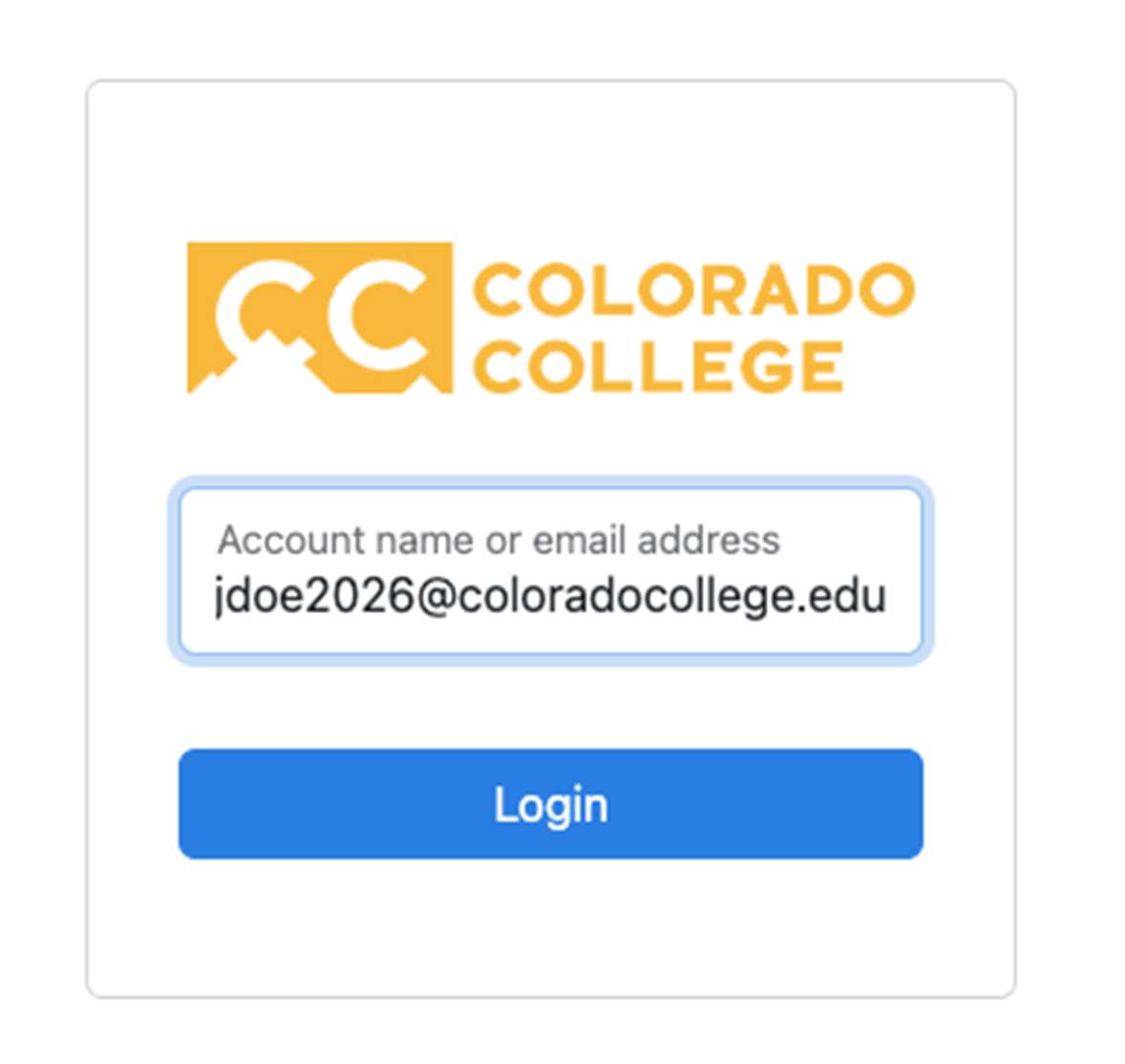
- Start by logging into the system at https://reset.coloradocollege.edu and log in with your full CC email address. You'll go through the familiar prompt for your CC username and password and then your Duo authentication that you do to sign into most CC services.
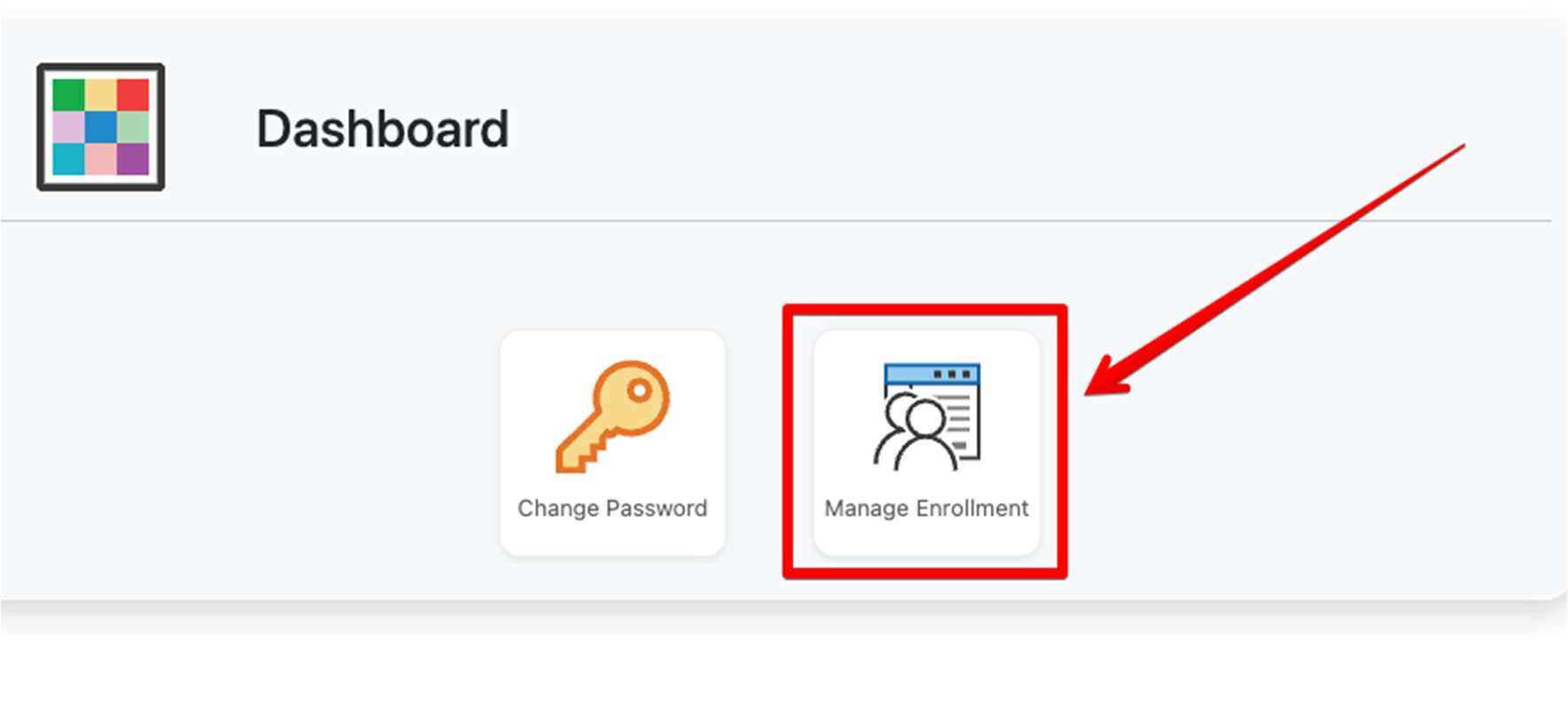
- Once signed in, select the "Manage Enrollment" option to enroll.
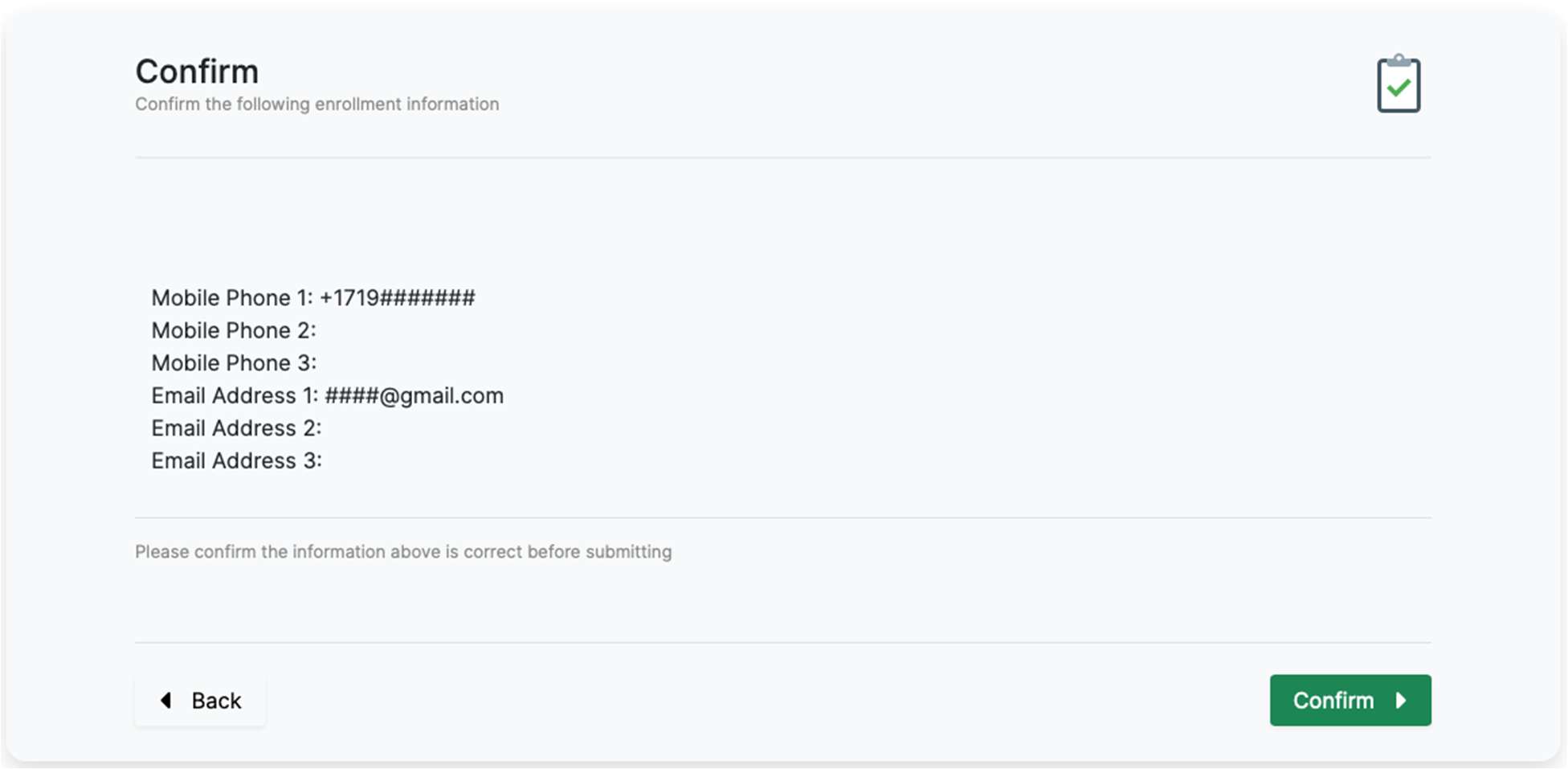
- Proceed through the next few steps to add your mobile phone number(s) and email address(es) that can be used to verify your identity in the future when you use the system to reset your password. After doing so, you'll see a confirmation summary. Once you click "Confirm" you will be enrolled.
- For phones, note that the full number including country and area codes are required.
- For emails, note that you should NOT use your CC email for this purpose. Use an alternate.
After finishing, you can close the browser session and move on with your life! When you need to use the system in the future to reset your password, use the "reset your password" link in the CC login box or visit https://reset.coloradocollege.edu/passwordreset/SSPR
Report an issue -
Last updated: 06/17/2026