
Cornerstone Screening Room Guide
Using the AV system
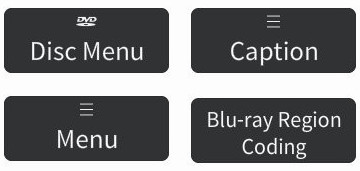
Press the Video Presentation button and select a video source (this will turn on the projector). The Master Volume controls both the video source and microphone volume simultaneously. If you press the speaker icon, all audio will be muted, while pressing the microphone button only mutes the mic. If you wish to mute the video without muting the microphone, press the Video Source Audio Mute button above.
Pressing MAX + on the video preview window allows a full screen view of the displayed content. Press MIN - to return to the previous view.
AUDIO
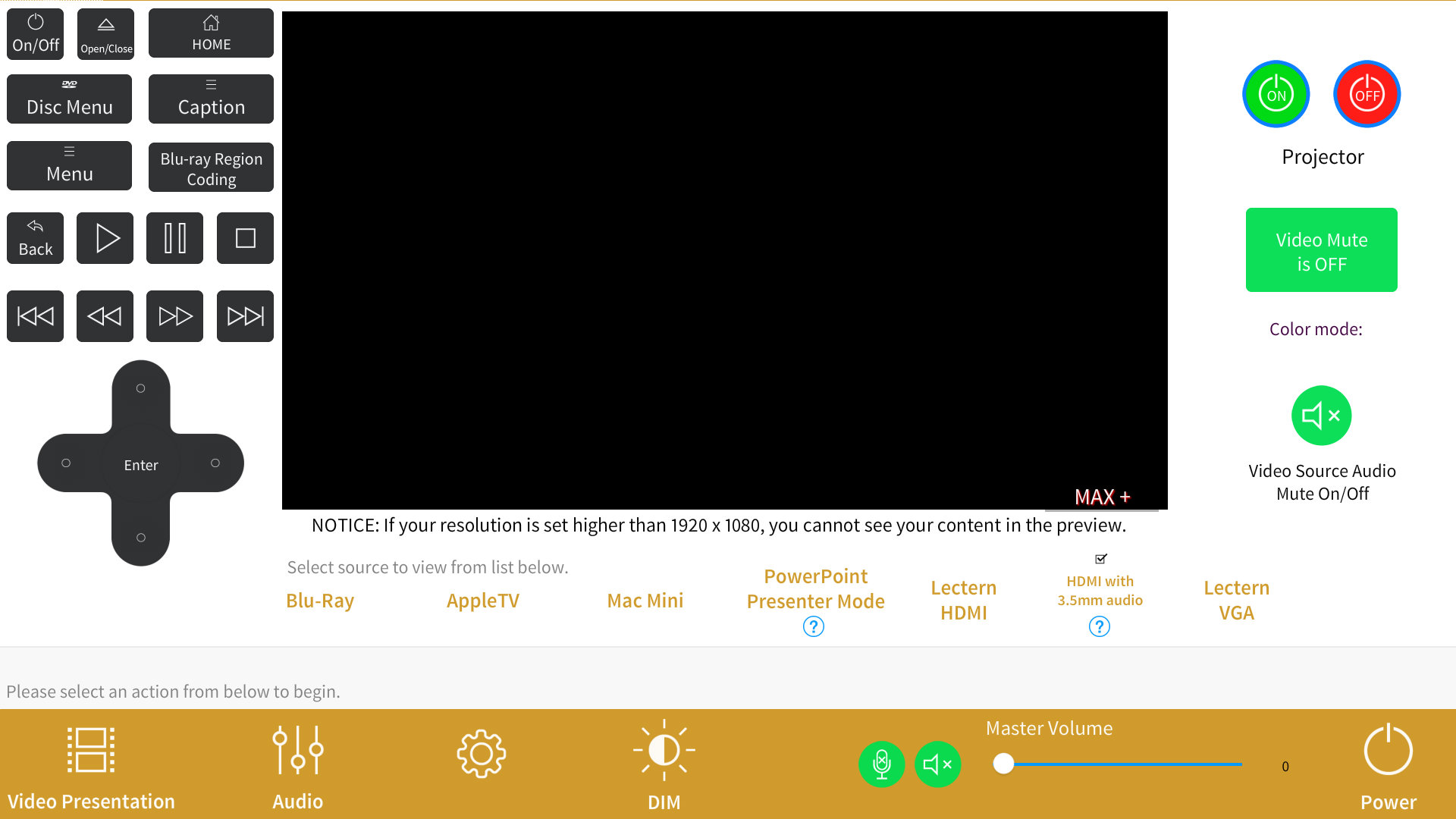
In addition to the podium microphone, there are lavalier and handheld mics in the drawer inside the cabinet. You can adjust microphone and video volume independently by pressing the Audio button, then adjusting the faders. Press Video Presentation to return to the previous page.
ADVANCED CONFIGURATIONS
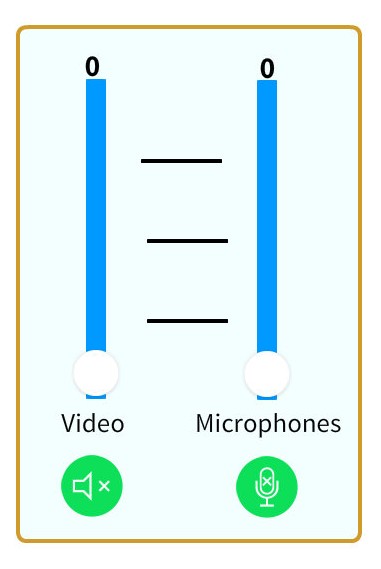
You can use the Mac mini for presenter mode in PowerPoint by selecting the button, and you may also use a 3.5mm audio source along with HDMI video by selecting the checkbox. In both cases you can view a detailed on-screen help file by pressing the ? buttons.
BLU-RAY
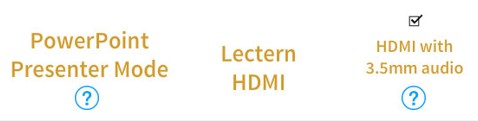
Any region DVD will play automatically, but you must select the region for your Blu-ray. If you get a disc playback error message, press the Blu-ray Region Coding button. You'll be prompted in the popup window how to change regions.
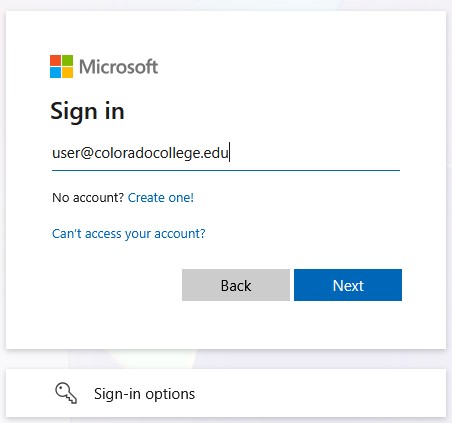 You'll need a CC account to use the Mac Mini. Replace user with your CC username and type the full address. On the following screen you'll be prompted for your username and password. If logging on for the first time, a user account will be created for you. VLC Media Player has been installed for ease of playing files from a hard drive (the USB hub on the lectern is connected to the Mac Mini).
If VLC doesn't appear in the dock, use Spotlight 
to locate the application and drag it to the dock.
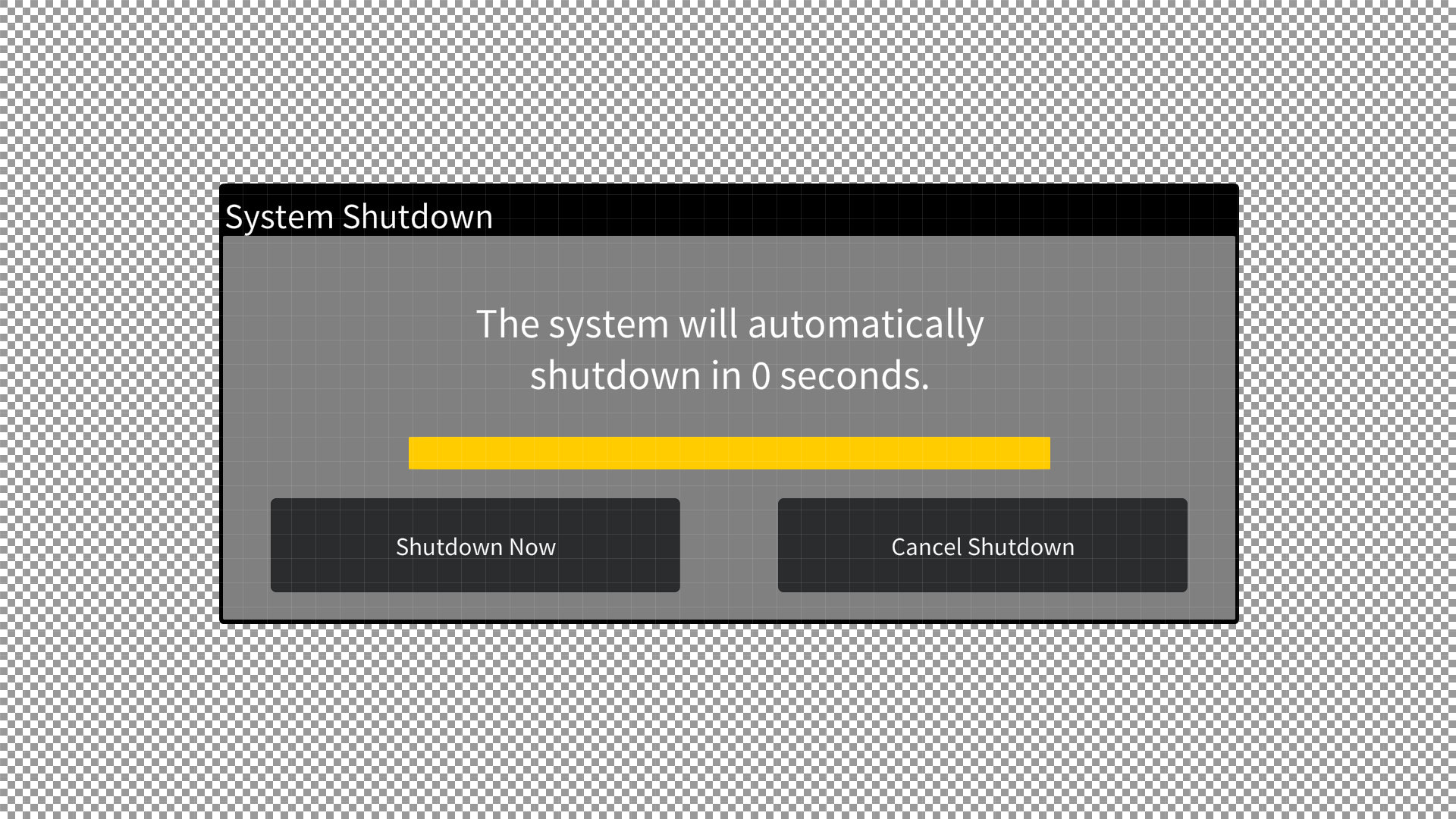
Press the power button in the lower right hand corner, and confirm on the next page you wish to shutdown the system. The projector and microphone will turn off and the system will return to the default state.
The touch screen is blank
Be sure it's powered on, button is on the right rear of the screen.
The Mac Mini isn't displaying anything
Check that it's powered on- it's inside the cabinet, with the power button labelled.
My laptop won't connect to HDMI
Reboot your laptop.
If using the lectern adapter, try another USB port.
Try another adapter.
My laptop isn't sending audio
Be sure your audio output is set for Crestron.
Try using 3.5mm with HDMI as outlined in Additional Features. You can borrow a USB hub from AV in
Armstrong Room 18 that has 3.5mm output.
My laptop is playing audio and video but the signal is scrambled and erratic
Try using 3.5mm with HDMI as outlined in Additional Features.
If you are still experiencing problems, contact the Solutions Center (719-389-6449) or email AV Support
show all / hide all